A restaurant website should turn immediate interest into a visit, booking or order. On mobile, customers want to understand the food, atmosphere, prices, opening hours, location and availability within seconds. If that information is hidden in a PDF or scattered across platforms, they may choose an easier restaurant to assess.
In short: place the menu, booking, directions and phone link near the top; use authentic photography; optimise for local searches; then measure the bookings and orders actually generated. Your website should remain the official source you control, even when third-party platforms contribute visibility.
Why does a restaurant still need a website?
A Google listing, Instagram account or booking platform can bring customers, but each imposes its format, fees and rules. Your website brings the authoritative information together, communicates the concept and builds a direct relationship.
It also answers specific searches: vegetarian restaurant nearby, lunch menu, terrace, group dining, Sunday brunch, accessibility or a table tonight. A well-structured page can cover these needs without forcing the customer through several applications.
1. Design the mobile journey first
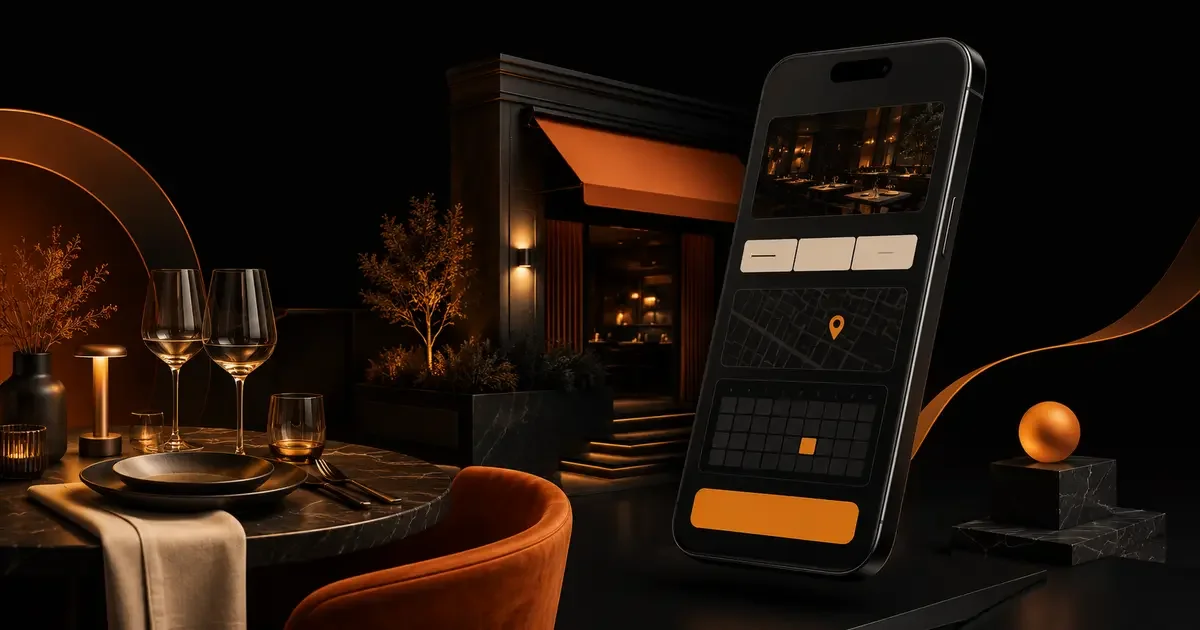
Restaurant searches often happen on the move. The first screen should display the name, cuisine, location and primary action. Depending on the business, this will be “Book a table”, “Order online” or “Call”.
Provide immediate access to:
- the menu and prices
- today’s opening hours
- directions
- the phone number
- booking or ordering
Buttons should be easy to tap, and the address should open in a map app. Test with an average mobile connection and outside the restaurant, not only on your own Wi-Fi.
2. Publish an accessible, indexable menu
A PDF can be useful for download or print, but it should not be the only menu. On a phone it often requires zooming and makes updates harder. An HTML version allows visitors, search engines and assistive technologies to read the dishes.
State clearly:
- dish names and concise descriptions
- prices and set menus
- useful allergen information according to your obligations
- vegetarian or other genuine characteristics
- the days and services when the menu is available
- a last-updated date if the offer changes frequently
Avoid vague claims and keyword stuffing. An accurate, maintained menu converts better than a long optimised page promoting dishes no longer served.
3. Make booking effortless
Customers should not choose between several competing buttons or re-enter the same data. Integrate a reliable booking tool, display available times and confirm the request immediately. If booking happens externally, clearly signal the change and open a mobile-friendly page.
Cover important cases: maximum party size, large groups, terrace requests, late arrival, cancellation and any payment guarantee. Essential rules should be visible before confirmation.
If online booking is unavailable, the call button should work at useful times and offer an alternative when the team cannot answer.
4. Sell the experience with authentic photography
Images help customers imagine the meal: dining room, facade, terrace, team and signature dishes. A consistent professional shoot is more credible than a mixture of stock photos and dark snapshots.
Optimise every file for the web, add descriptive alternative text when the image carries information and avoid heavy carousels. Refresh photographs when the interior, menu or presentation changes.
5. Build local search visibility
The website should confirm the establishment’s identity and location. Display a consistent name, address, phone number, opening hours and neighbourhood. If you operate several locations, give each one a dedicated page with its own details and content.
Connect the site to a complete and maintained Google Business Profile. Special hours, categories, images and booking link should remain accurate.
Restaurant structured data, a subtype of LocalBusiness, can help search engines understand the address, hours, menu and booking method. It must match visible content and does not guarantee a rich result. The Schema.org structured-data guide explains how to implement it reliably.
6. Build pages around real customer intent
A straightforward structure is usually enough:
- Home: concept, location, images and primary action.
- Food and menus: dishes, prices, availability and useful details.
- Booking: tool, policies and confirmation.
- Groups or private hire: capacity, formats and enquiry.
- About: chef, team, producers and story when these differentiate the restaurant.
- Visit and contact: address, transport, parking, accessibility and hours.
Add an ordering page if collection or delivery is a significant activity. Do not crowd the main navigation with pages that offer little value to the customer.
7. Turn group enquiries into qualified opportunities
Corporate meals, birthdays and private events can carry high value. A dedicated page should explain capacity, spaces, sample packages, time restrictions and useful equipment.
The form can request the date, party size, event type, approximate budget and contact details. State the response time and next step. This reduces unnecessary exchanges while reassuring the organiser.
8. Use reviews without undermining credibility
A few recent, attributed testimonials can reassure customers. Avoid automatically loading dozens of reviews, which may slow the site or show outdated details. Link to relevant platforms and respond there professionally.
Do not add review structured data that you do not control or that breaches search-engine rules. Ratings must reflect genuine, visible content.
9. Protect speed, accessibility and trust
Full-screen video and high-resolution galleries may look impressive but make the website unusable on mobile. Serve modern formats, defer non-critical media and retain sufficient contrast between copy and images.
Check keyboard navigation, form labels, text size and reduced-motion preferences. Provide legal information, a privacy policy and terms related to booking or ordering.
10. Measure actions that actually fill tables
Page views and followers are not enough. Track clicks to book, confirmed reservations where the tool permits, calls, direction requests, orders and group enquiries.
Connect bookings to their source without collecting unnecessary data. You can then compare local SEO, social, campaigns and partners by covers or revenue rather than traffic alone.
Common restaurant website mistakes
- a menu available only as a PDF or image
- different opening hours on the website and Google
- a hidden booking button
- generic images that do not represent the venue
- an intro animation that cannot be skipped;
- outdated dishes or prices
- a phone number that is not clickable on mobile
- no practical access or group information
- no measurement of generated bookings
Pre-launch checklist
- Are the concept, location and price range immediately clear?
- Can the menu be read on mobile without a download?
- Are hours, prices and dishes current?
- Does booking work from click to confirmation?
- Does the address open the correct directions?
- Do the photos show the restaurant as it is today?
- Does the information match Google Business Profile?
- Are important conversions being measured?
Frequently asked questions
How much does a restaurant website cost?
The budget depends on design, languages, booking, ordering, photography and external integrations. Discovery should separate essential functions from options and account for ongoing fees.
Can Instagram replace a website?
Instagram helps communicate atmosphere and news, but it does not offer the same control over search, structure, data and conversion. The channels complement each other.
Should the booking tool be embedded?
Yes, when the integration remains fast, accessible and maintainable. Otherwise, a clearly labelled link to a reliable external page is better than a slow or broken widget.
Make your website a reliable source of bookings
VulcainDesign creates restaurant websites centred on mobile use, local search and actions that generate covers. From information architecture to booking integration, every decision can support a commercial outcome. Tell us about your restaurant and priorities to scope the right website.
Useful sources: Google Search Central - local business structured data and general structured-data guidelines.

Sébastien
Freelance web developer and designer in Toulouse, France, since 2009. I design and code every site myself, from the brief to launch, for small businesses, tradespeople and independent professionals who want a website that brings in clients, not just visits. 17 years in the trade, 18 Google reviews at 5/5.
See my background →